PCF vs Generative Pages: when to use each in Power Apps
Diesen Beitrag auf Deutsch lesen
Generative Pages simplify dialogs, direct connectors and page-specific Dataverse work, while PCFs remain stronger for form lifecycle, grids and offline use.
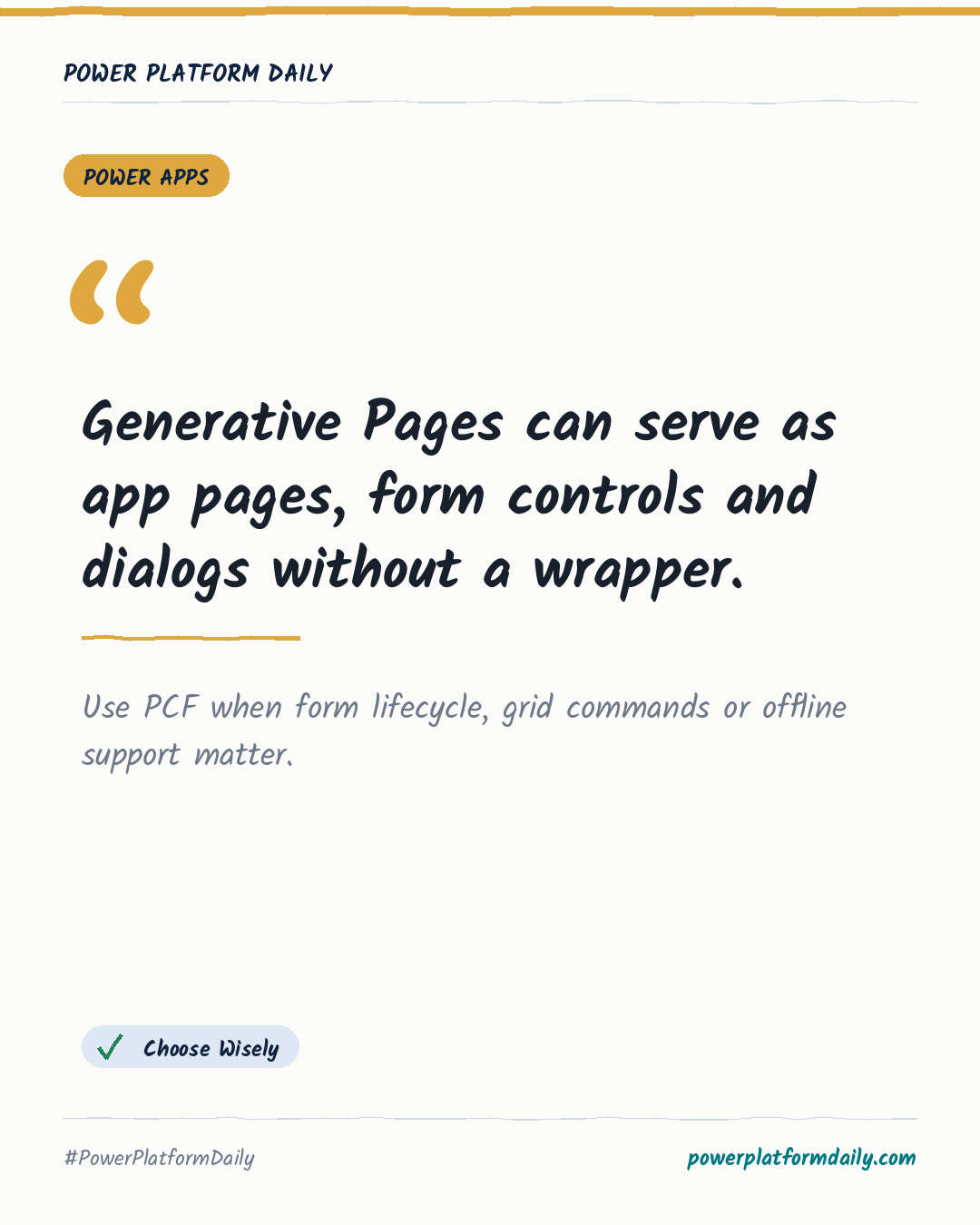
Original article from October 20, 2026: PCF VS GENERATIVE PAGES, on Dianamics PCF Lady. Read the original
This is our own summary, not a republication or full translation.
TL;DR
Generative Pages can run in a model-driven app sitemap, on a form, or as dialogs that accept input and return values. They can directly use connectors and Dataverse APIs, but lack offline support, dynamic form parameter updates, PCF state, and dataset command integration. PCFs remain preferable for field controls, ribbon-aware grids, and broader npm package needs.
Why it matters
- Makers: Use a Generative Page for a purpose-built sitemap page or dialog when direct connectors and returned dialog values are needed.
- Makers: Choose a PCF for field lifecycle behaviour, dynamic parameter changes, or dataset selections that must work with ribbon commands.
- Makers: Treat Generative Page offline support as unavailable and use a PCF for offline scenarios.
- Admins/IT: Account for Generative Pages as app-linked solution components with source, transpiled code, metadata and prompt artifacts.
Frequently asked questions
Can a Power Apps Generative Page be opened as a dialog?
Yes. A Generative Page can open as a dialog through Xrm.Navigation.navigateTo and can receive input parameters and return a result.
When should I use a PCF instead of a Generative Page on a model-driven form?
Use a PCF when the control must react to form lifecycle changes, dynamic parameters, field events, or command interactions. Generative Pages do not provide those capabilities directly.
Do Generative Pages support connectors and offline use in Power Apps?
Generative Pages can use connectors directly. Offline support is not available for Generative Pages, while PCFs support offline use.