Copilot Studio hooks add lifecycle workflow controls
Diesen Beitrag auf Deutsch lesen
Preview hooks run workflows at six agent lifecycle events, including before a tool call, but failed hooks do not stop the agent.
Original article from October 2, 2026: AI Weekly: Copilot Studio Hooks, Lovable, and Desktop Automation, by Josh Cook, on Flow Alt Delete. Read the original
This is our own summary, not a republication or full translation.
TL;DR
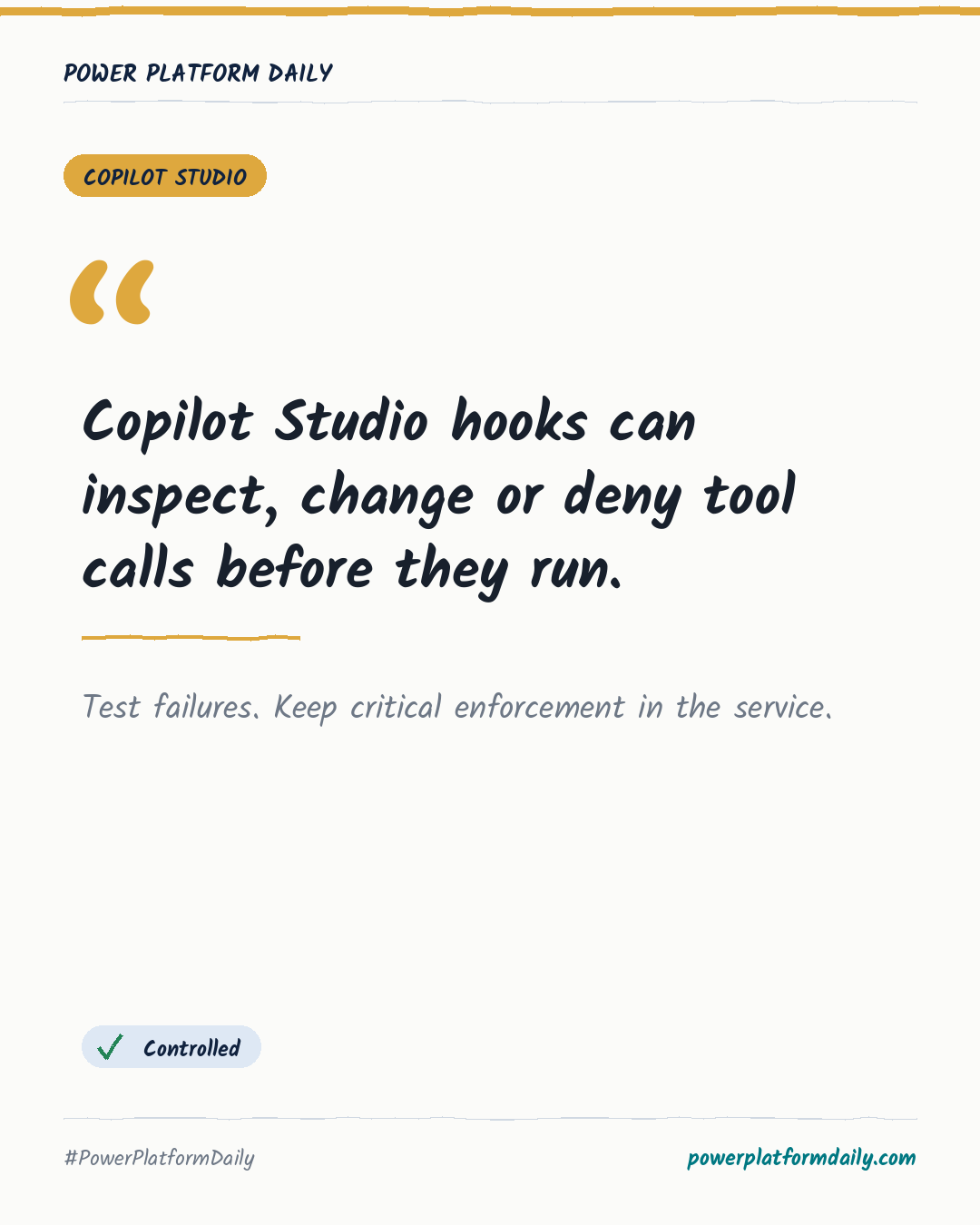
Copilot Studio preview hooks for agents using the GitHub Copilot harness can run workflows at six lifecycle events. A before-tool hook can inspect or modify arguments and deny a call, while post-call hooks can alter results or log activity. Failed, timed-out or unreadable hook responses allow the agent to continue.
Why it matters
- Makers: Pilot one update tool with a before-tool hook, then test both an explicit denial and a broken workflow.
- Admins/IT: Keep mandatory authorization and business-rule enforcement in the underlying service because a failed hook does not block the agent.
- BI/Data teams: For Dataverse scenarios, log update-tool activity and validate that rejected requests do not violate business rules.
Frequently asked questions
At which lifecycle events can a Copilot Studio hook run a workflow?
At six events, including before a tool runs and after it completes. A before-tool hook can inspect, modify or deny the call before it executes.
How should makers start testing a before-tool hook on an update tool?
Pilot one update tool with the hook, then deliberately test both an explicit denial and a broken workflow.
What can a post-call hook do after a Dataverse update tool runs?
It can log the update activity or adjust the returned result, which is useful for tracking what an agent actually changed.